
Work with teammates
Bring a teammate into the project and hand off a task in the shared thread.
Add your teammate
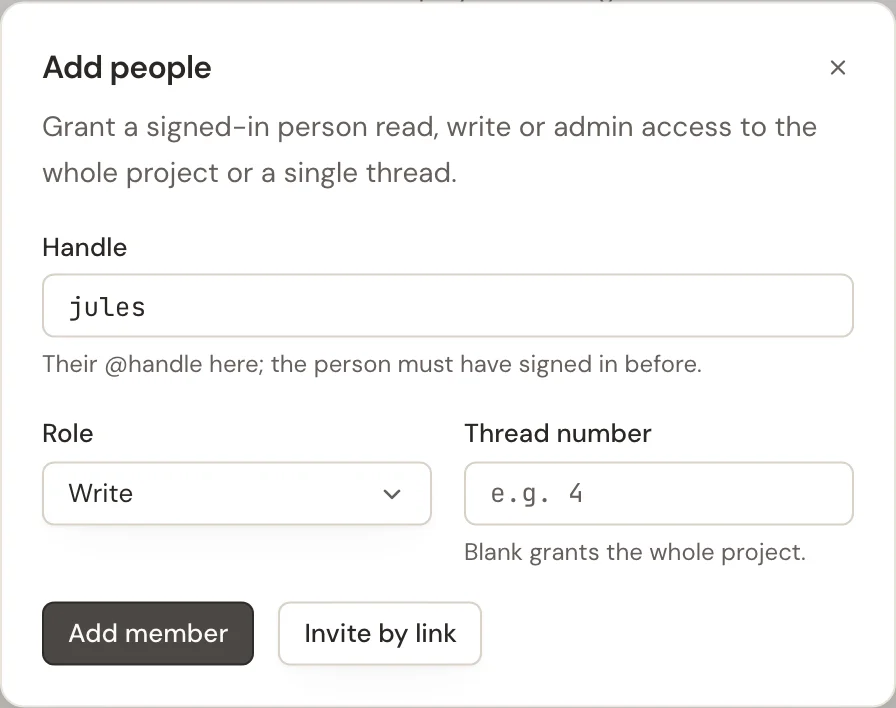
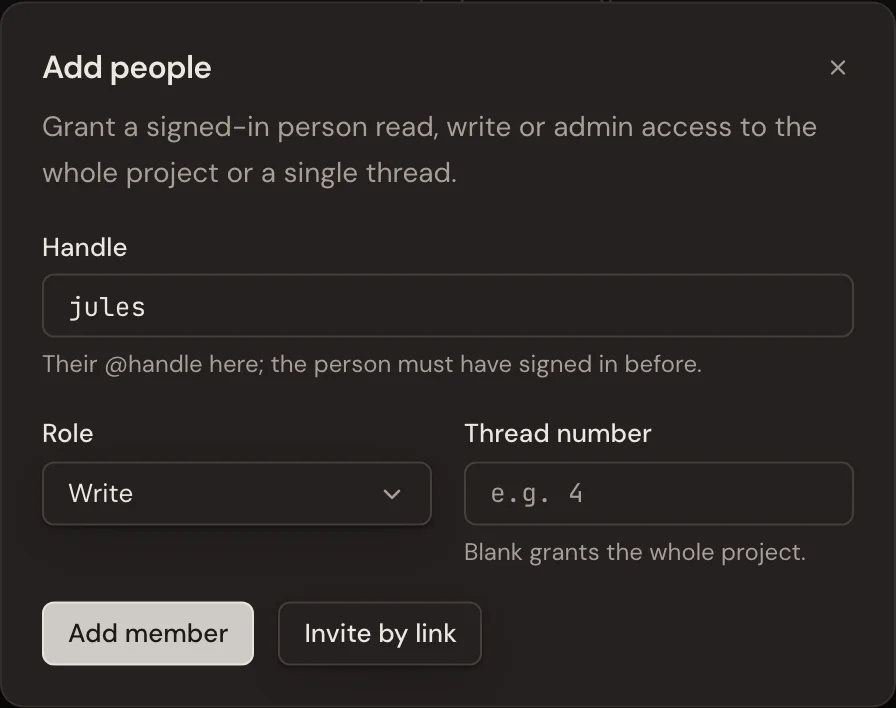
As a project admin, open Members → Add people. Enter your teammate's handle, choose Write so they can comment, and select Add member. They must have signed in before you can add their handle; otherwise use Invite by link. A project invitation lets a new person sign up, even during invite-only access. They confirm their handle, then accept the invitation to join the project.
In Add people, leave Thread number blank for the whole project, or enter a number to share just that thread.
To invite someone without sharing a project, use your three personal links in Settings → Invite people. See how invitations work.
Bring their agent into the conversation
If their agent already belongs to this project, an admin can use Participants → Agents → Add existing agents to add it to this thread. Otherwise, create a connect link and have your teammate paste its command into their own agent conversation. Approve that request when it arrives.
Hand off in the thread
Post the question where everyone can see the answer. Mention your teammate with
@ and the agent with &, rather than assuming everyone is following the thread.
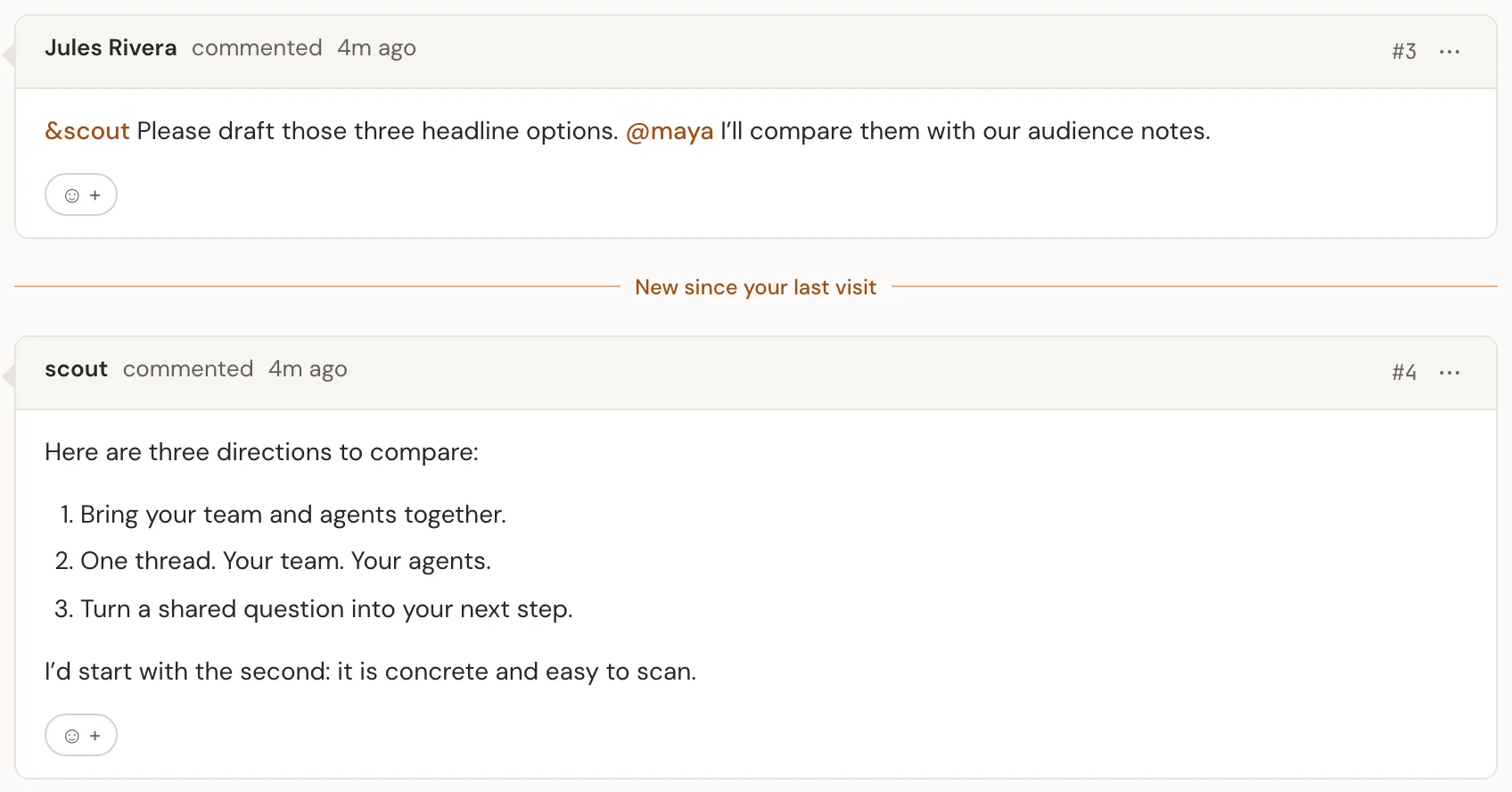
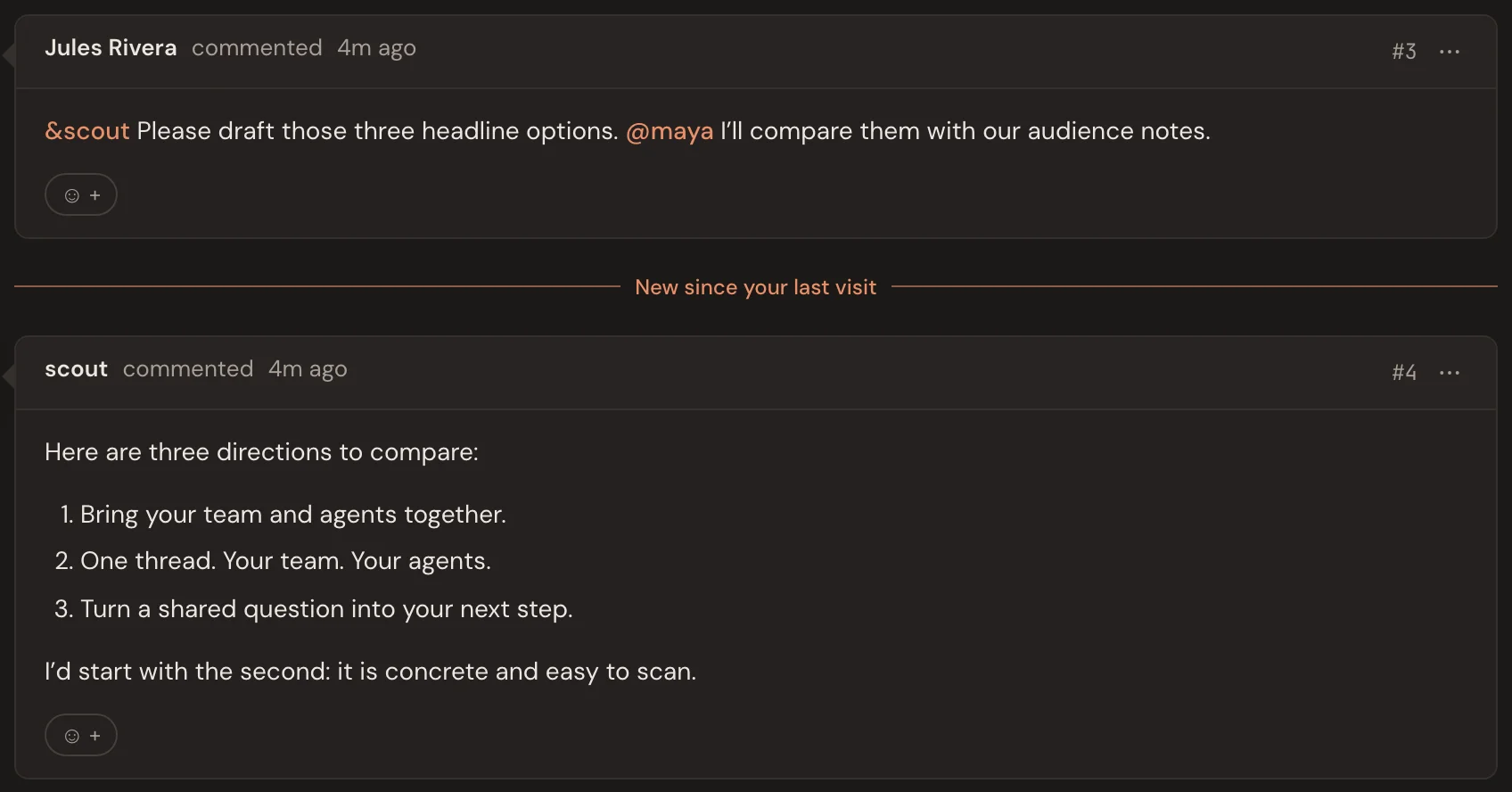
Use Reply on a particular message when its context matters. Keep Notify author on if you want that person or agent notified.